Getting started
Access Claris MCP by visiting aiworkspace.platform.claris.com then logging in with your Claris ID.
System requirements
Before using Claris MCP, ensure your system meets these requirements:
-
Claris ID - You must have a valid Claris ID.
-
Team manager - You must be a team manager in your Claris Studio team to access Claris MCP.
-
See Setting up Claris Studio and Claris Connect in Claris Customer Console Help if you have not yet set up your Claris Studio team.
-
See Team management and Promoting a team member to manager in Claris Studio Help if you need to promote your account or another to team manager.
-
-
FileMaker Server - Version 22.0.2.204 or later.
-
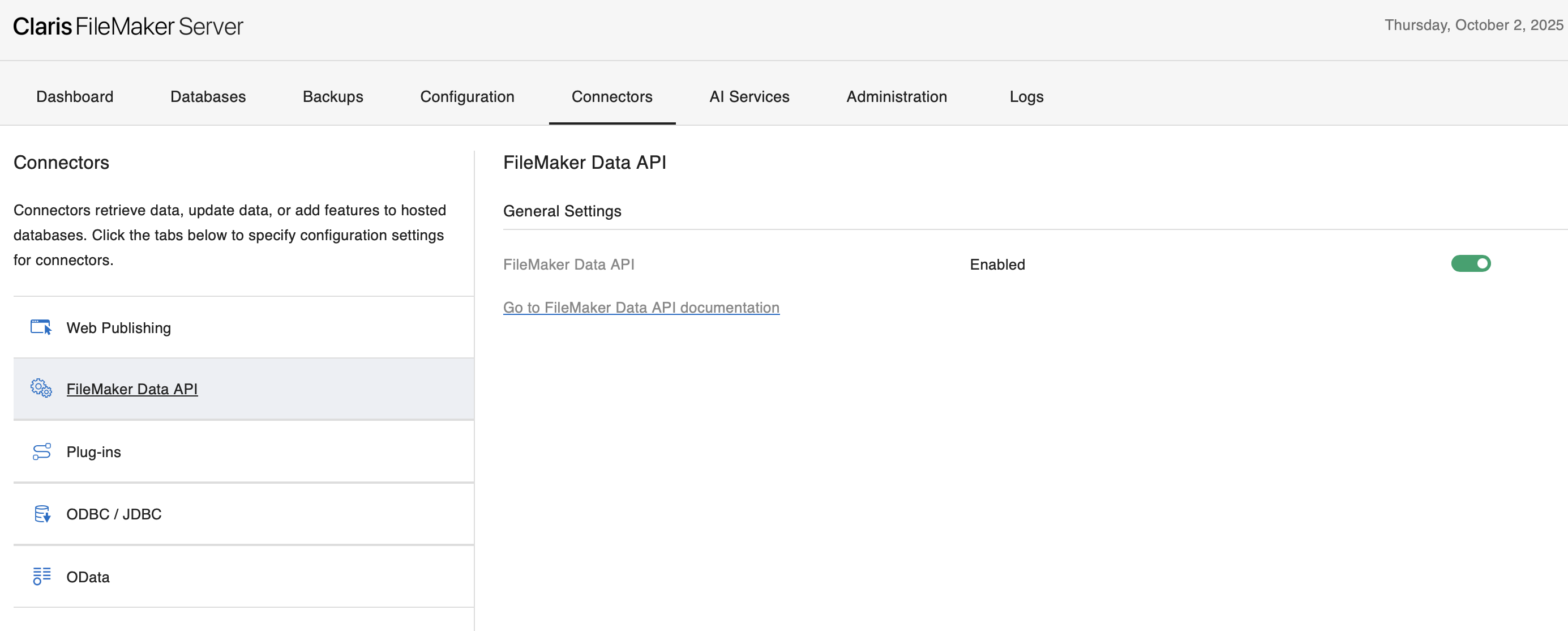
Data API - FileMaker Data API Must be enabled in FileMaker Server Admin Console. See FileMaker Data API Settings in FileMaker Server Help for more information.
-
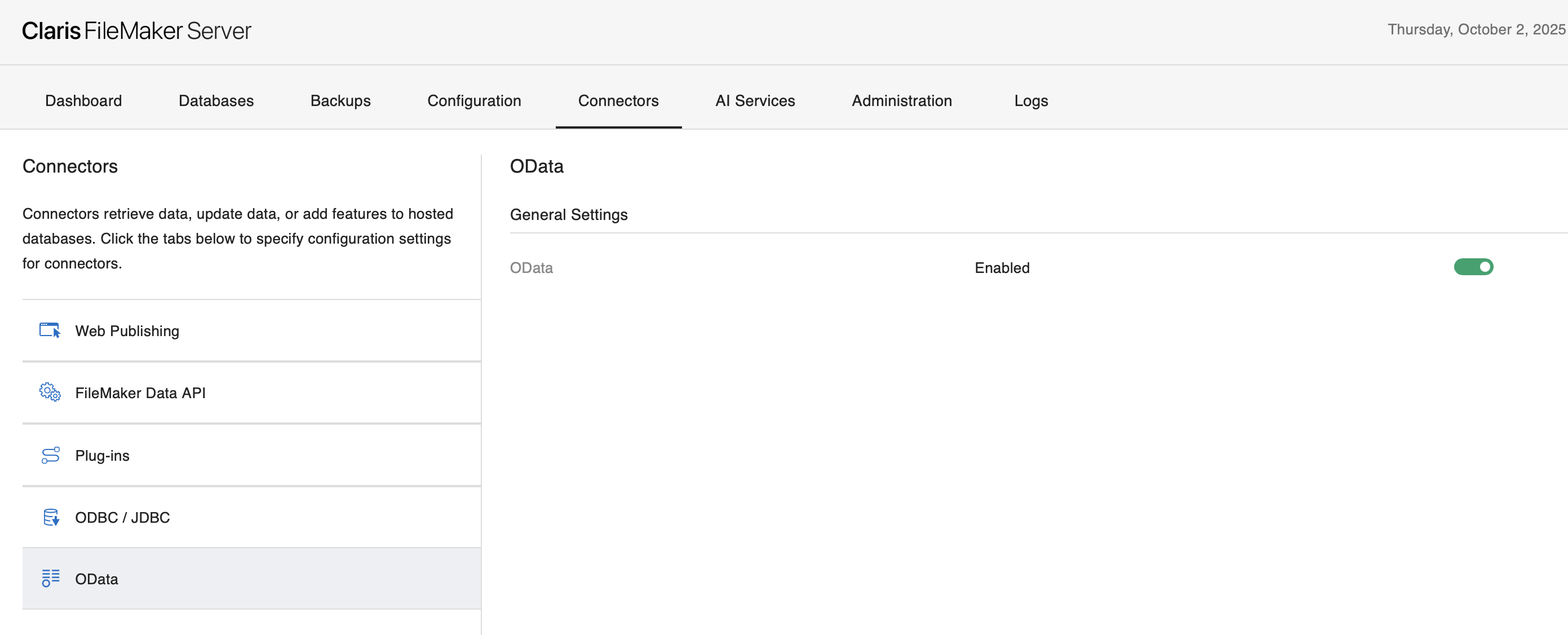
OData - OData Must be enabled in FileMaker Server Admin Console. See OData API settings in FileMaker Server Help for more information
-
User privileges - FileMaker file accounts used for connections must have both
fmrestandfmodataextended privileges enabled. See Editing extended privileges for a privilege set in FileMaker Pro Help for more information.Note Due to a system limitation in FileMaker Server 22.0.2, value list access should be disabled to prevent errors with the MCP connection.
-
Field access - FileMaker file accounts need access to connected tables and fields that you intend to make available to the MCP client.
How do I use Claris MCP?
After making sure you meet the system requirements: