Introduction
What is MCP?
MCP, or Model Context Protocol, is an open protocol that standardizes how applications provide context to large language models (LLMs). The protocol enables secure, structured communication between AI clients and various data sources or services.
For complete technical specifications and implementation details, see Anthropic's official MCP documentation.
Overview of MCP architecture
MCP operates on a three-component model involving the host, client, and server:
-
MCP Host - The AI-powered application (such as Claude Desktop) that end users interact with directly
-
MCP Client - Lives within the host and handles the MCP protocol communication, maintaining dedicated connections to servers
-
MCP Server - Separate applications or services that expose their functionality and data (databases, web search, file systems, etc.) to AI clients through the standardized MCP interface
This architecture allows AI clients to securely access real-time data and perform actions across different platforms without requiring custom integrations for each service.
What is Claris MCP?
Claris MCP is an MCP server that enables you to connect your FileMaker databases to AI assistants and other MCP-compatible hosts.
This application serves as a bridge between your Claris data and modern AI tools, allowing you to create connections, select tables and scripts from connections, configure database tools, and generate configuration snippets for seamless integration.
System requirements
Before using Claris MCP, ensure your system meets these requirements:
-
FileMaker Server - Version 22.0.2.204 or later
-
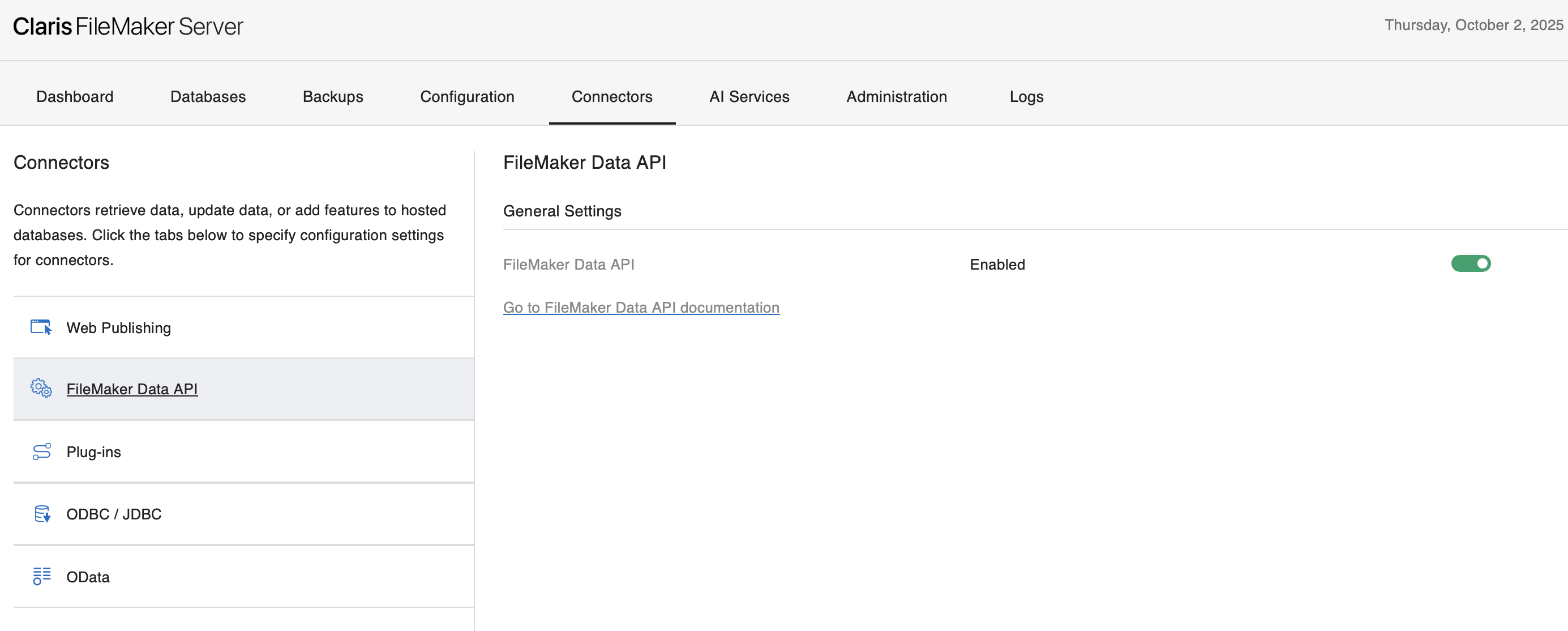
Data API - Must be enabled in FileMaker Server Admin Console
-
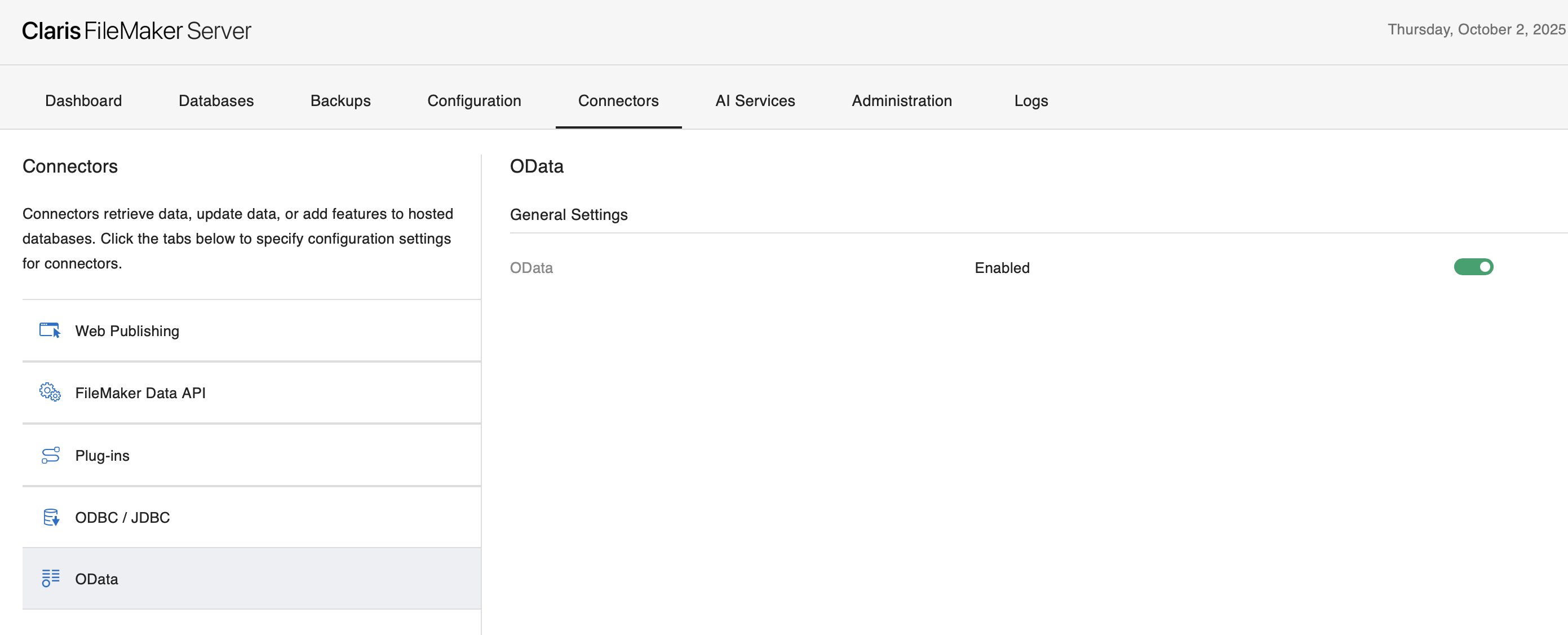
OData - Must be enabled in FileMaker Server Admin Console
-
User Privileges - FileMaker file accounts used for connections must have both
fmrestandfmodataextended privileges enabled -
Field Access - FileMaker file accounts need full access to all fields in connected tables
For more information, see:
-
FileMaker Data API Settings and OData API settings in FileMaker Server Help
-
Editing extended privileges for a privilege set in FileMaker Pro Help
Getting started
Ready to connect your first FileMaker database? Start with Adding Connections to walk through the step-by-step process of creating your first database connection.