Once you have created more than one layout, you can easily switch between them.
•Choose View menu > Go to Layout.
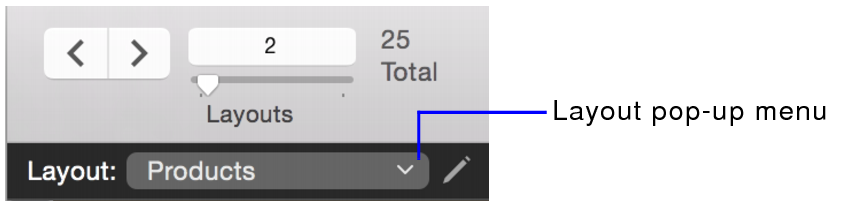
•Choose from the Layout pop-up menu.
•Choose from the Layout pop-up menu.
•Choose Layouts menu > Go to Layout.
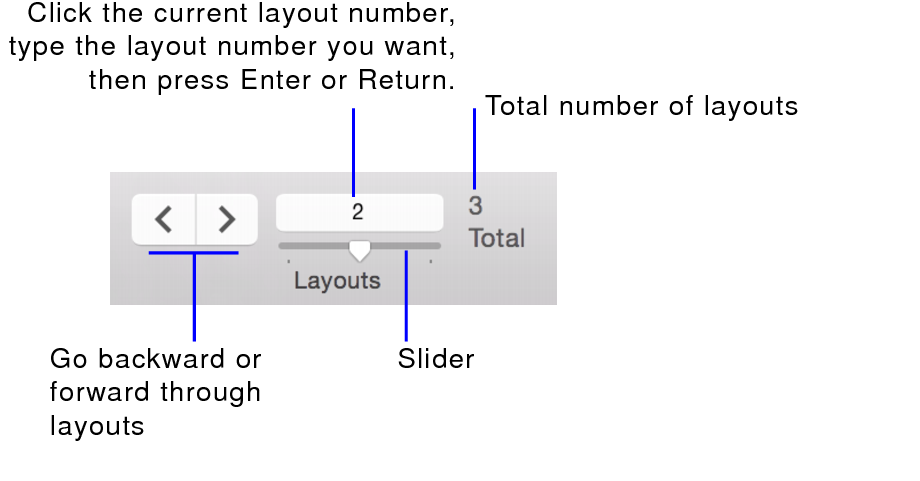
•Use the navigation controls in the status toolbar.
macOS: You can customize the status toolbar to add or remove the navigation controls. See Using the status toolbar.