Switching between layouts
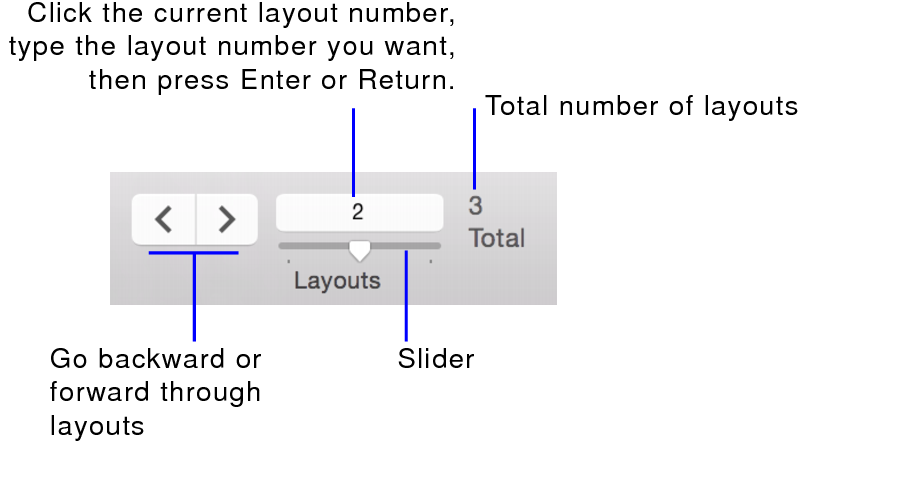
Once you have created more than one layout, you can easily switch between them.
To switch between layouts in any mode:
•Choose View menu > Go to Layout.
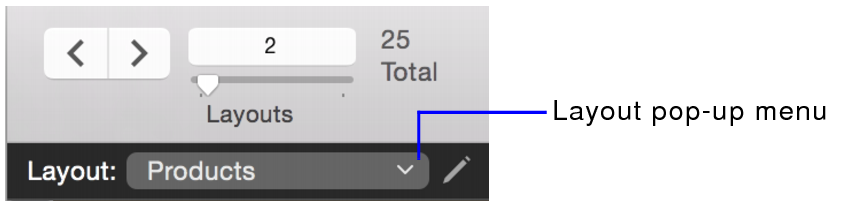
•Choose from the Layout pop-up menu.
To switch between layouts in Layout mode:
•Choose from the Layout pop-up menu.
•Choose Layouts menu > Go to Layout.